Pixieset vs Pic-Time vs all-in-one: what wedding photographers really need
Software · Updated 13 October 2026 · 6 min read · By the Caloreel editorial team
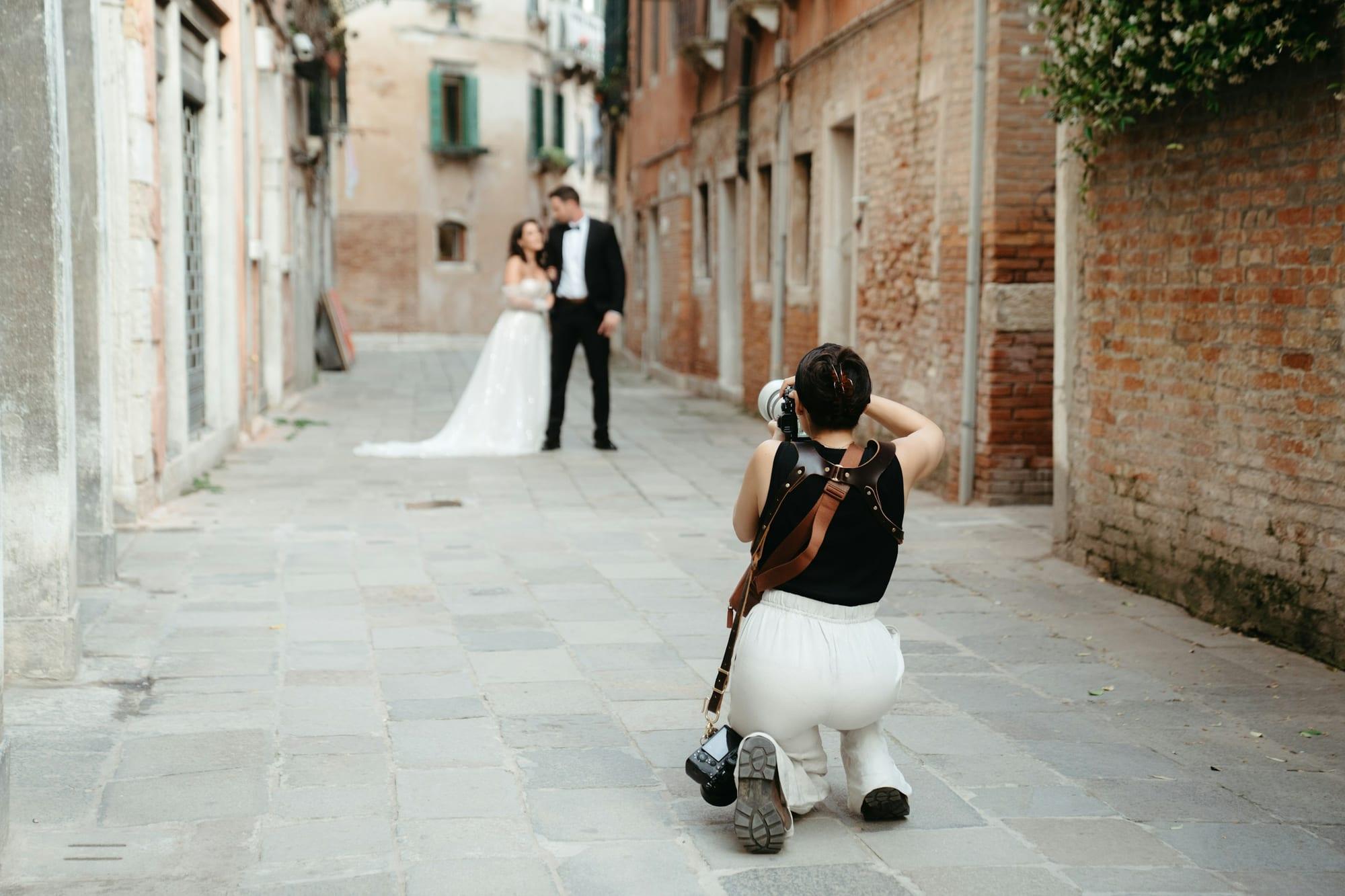
Photograph by Natilyn Hicks Photography, via Unsplash.
The short answer
Choose Pic-Time if gallery design and print sales matter most, but budget for a separate CRM, because it doesn't include one. Choose Pixieset Suite for galleries, a website builder, studio management and a mobile gallery app in one subscription. Choose an all-in-one when you want enquiries, contracts, payments and delivery in one place.
Start with the jobs, not the brands
Every wedding booking passes through the same six jobs. Before comparing features, decide which of them you want your software to do:
- Enquiry: capture the lead, reply quickly, track where it's up to.
- Booking: consultation calls, dates and your calendar.
- Contract: send it, get both partners to sign, store it.
- Payments: booking fee, instalments and reminders.
- Delivery: sneak peeks, the full gallery, downloads and guest access.
- Print sales: prints, wall art and albums.
Pic-Time concentrates on jobs 5 and 6 and connects to a CRM for the rest. Pixieset Suite covers all six and adds a website. An all-in-one such as Caloreel also covers all six, without a website builder.
Who does which job
As of October 2026, from each provider's pricing pages (Pic-Time (opens in a new tab), Pixieset Suite (opens in a new tab)):
| Job | Pic-Time | Pixieset Suite | Caloreel |
|---|---|---|---|
| Enquiries and CRM | Not built in; integrates with CRMs such as HoneyBook and Studio Ninja | Studio Manager, included | Household-aware CRM with Gmail sync |
| Booking | Through your CRM | Booking types in Studio Manager | Booking pages checked against Google Calendar |
| Contracts and invoices | Through your CRM | Contracts and invoices in Studio Manager | Multi-signer contracts; invoices with payment schedules |
| Galleries | Yes, with premium design tools on Professional | Yes | Yes |
| Print store | 30+ labs, automated campaigns, coupons, gift cards | Store included | Prodigi (UK and worldwide) and WHCC (US), or self-fulfil |
| Store commission | 15% of order profit on Free and Beginner, 8% Professional, 6% Advanced; 0% on Professional and Advanced if you collect payment | None on upgraded accounts, per its FAQ; 15% on the free plan | 3% on every plan |
| Website builder | Not included | Yes | No |
| Mobile app | Yes (iOS and Android) | Mobile Gallery App | No native apps |
Pic-Time's commission rates come from its help centre (opens in a new tab).
What a typical stack costs
Most photographers compare one of three setups. Prices are monthly billing, as of October 2026. USD prices are as listed on each site, so exchange rates and any tax will change what you pay in pounds.
| Setup | Price per month | Photo storage | What it covers |
|---|---|---|---|
| Pic-Time Professional + Studio Ninja (opens in a new tab) Pro | $25 + £20 | 100 GB | Galleries and store; CRM, contracts, invoices and booking forms |
| Pixieset Suite Starter | $35 | 100 GB | Galleries, store, website, Studio Manager, mobile gallery app |
| Pixieset Suite Pro | $50 | 2,000 GB | As Starter, plus Studio Manager branding removal and more |
| Caloreel Studio | £20 including VAT | 1 TB | Galleries, store, CRM, booking, contracts, invoices, 2 team seats |
Annual billing lowers all of these: Pic-Time Professional is $21 a month billed yearly, Studio Ninja Pro £200 a year, Pixieset Suite Starter $28 and Pro $38 a month billed yearly, and Caloreel Studio £200 a year. Pic-Time and Studio Ninja have also run joint offers (opens in a new tab) for new users, so check what's current.
Storage is the number to check
Storage decides which tier you actually need. As a rough guide, if a wedding gallery is 700 images at about 10 MB each, that's around 7 GB per wedding, so 100 GB holds about 14 weddings. Shoot 25 weddings a year and keep galleries online for two years, and you need around 350 GB before any family sessions or video. Do the sum with your own numbers before comparing prices.
What your couples see
Software choices show up in your clients' inboxes. With two tools, a couple usually gets emails from two systems and keeps two links: one for the contract and invoices, another for the gallery. That works well if both look and sound like you, so check three things on whichever plan you're considering:
- Branding: Pic-Time removes its branding from Professional upwards. Pixieset Suite removes gallery branding on every Suite plan, but Studio Manager branding only on Pro and above.
- Sender names: emails should come from your studio name, not the platform's.
- Both partners: contracts, reminders and receipts should reach both people, not just whoever filled in the enquiry form.
Honest strengths
Pic-Time
- Gallery presentation is its focus, with premium design tools on Professional and above.
- A serious print store: 30+ labs, automated marketing campaigns, coupons and gift cards on every plan.
- 0% commission on Professional and Advanced if you collect payments yourself.
- The trade-off: no built-in CRM, so contracts and invoices live in a second tool, and 100 GB on Professional.
Pixieset
- Breadth: gallery, website, Studio Manager, store and a mobile gallery app in one Suite subscription.
- A website builder, which matters if you don't already have a site you're happy with.
- A free plan to start, with 3 GB, Pixieset branding and 15% commission.
- The trade-off: 100 GB on Suite Starter, and Studio Manager branding is only removable on Suite Pro and above.
An all-in-one like Caloreel
- Built around couples and families: one client record for both partners, contracts both can sign, and payment reminders to every billing contact.
- Storage and branding: 1 TB on the £20 Studio plan, and no platform branding on any plan.
- The trade-offs: no website builder, no native apps, Gmail but not Outlook, and a 3% store fee where some competitors charge 0%.
For the full side-by-side, see Pixieset vs Pic-Time, Caloreel vs Pixieset and Caloreel vs Pic-Time.
When one tool beats two
- You copy details between systems. Names, dates and payment status typed twice are where mistakes start.
- You've outgrown 100 GB and the next tier up costs more than an all-in-one.
- You want couples to find everything in one place: contract, invoices, questionnaire and gallery behind one link.
- You pay for two subscriptions and use half of each.
When two tools beat one
- You love your CRM and only need better galleries. Adding Pic-Time keeps what works.
- Print sales are a major income line and you want Pic-Time's lab choice and sales automations.
- You need a website and a mobile app as well, which points to Pixieset.
If you're switching
Moving tools is less painful when you don't try to do it all at once.
- Let live galleries run out on the old platform and start new bookings on the new one.
- Export your client list and signed contracts before you cancel anything, and keep PDF copies of contracts.
- Finish open print orders first, so nobody's canvas goes missing mid-move.
- Switch in a quiet month. For most UK wedding photographers that means January or February, not August.
Decide in an afternoon
- Map your last five bookings from enquiry to gallery and mark every point where you copied information by hand.
- Work out your storage: weddings a year, GB per wedding, years online.
- Price your real stack in pounds, monthly and annually, including store fees on last year's print sales.
- Run one real booking through each trial, from enquiry form to gallery delivery, and notice which one you'd happily use every day.
Caloreel's pricing is two plans with every feature on both and a 14-day free trial, no card needed, if you want to include it in the test.